OFFICIAL TAPECAPTURE FOR WINDOWS

Official SoftMe product

Official TapeCapture for Windows.

Windows audio recording software

TapeCapture is a Windows audio recording software developed and distributed by SoftMe. Designed for authorized microphone and PC audio recording.

Official • Lightweight • Windows 10/11

Official SoftMe installer. Only use the official TapeCapture website and SoftMe purchase/support channels.
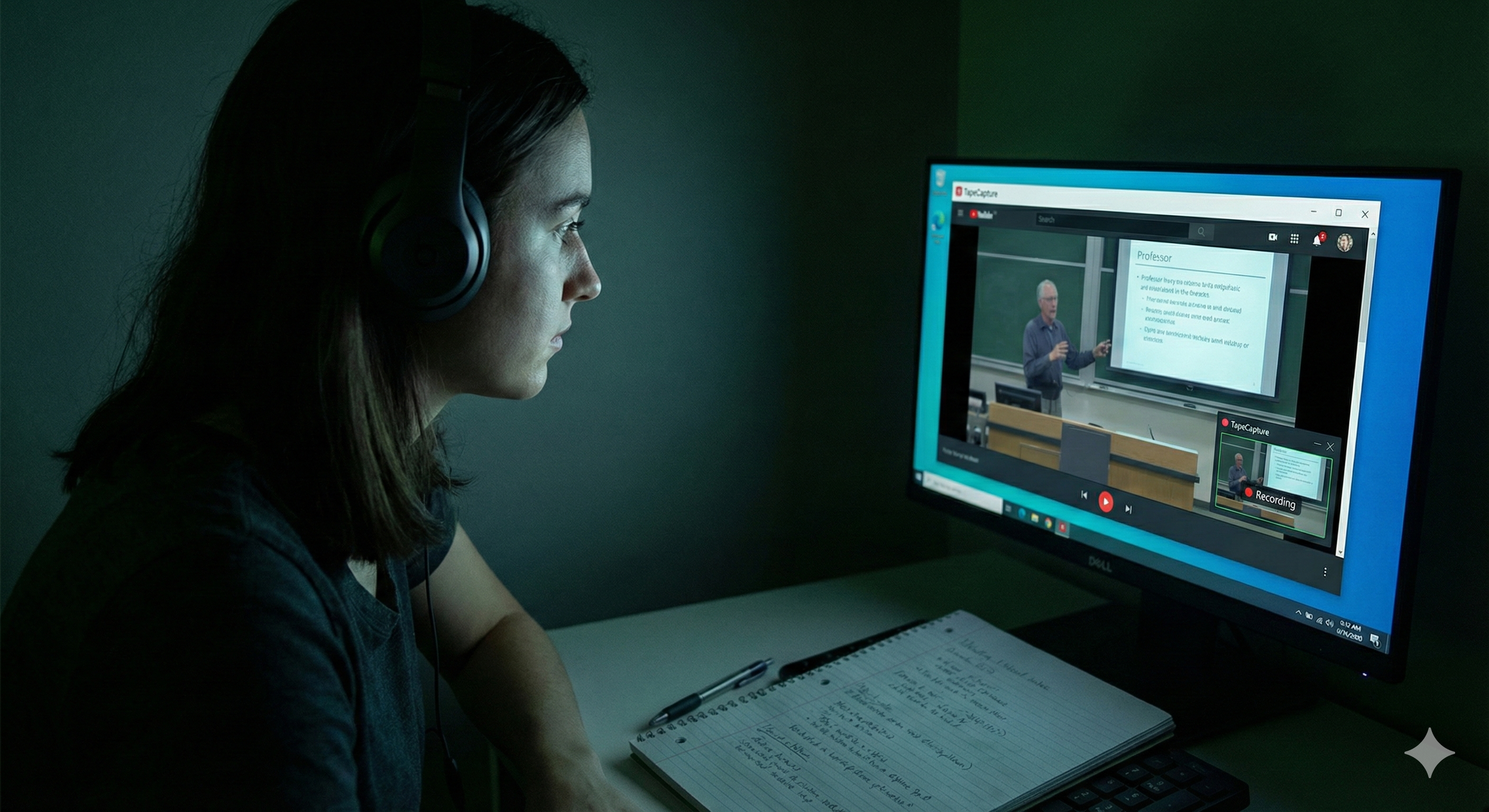
Pessoa usando TapeCapture
REC: Aula_Revisão_Final.mp3 00:42:15

Powerful inside,
Simple outside.

An intuitive interface designed for authorized audio recording and organized workflows.

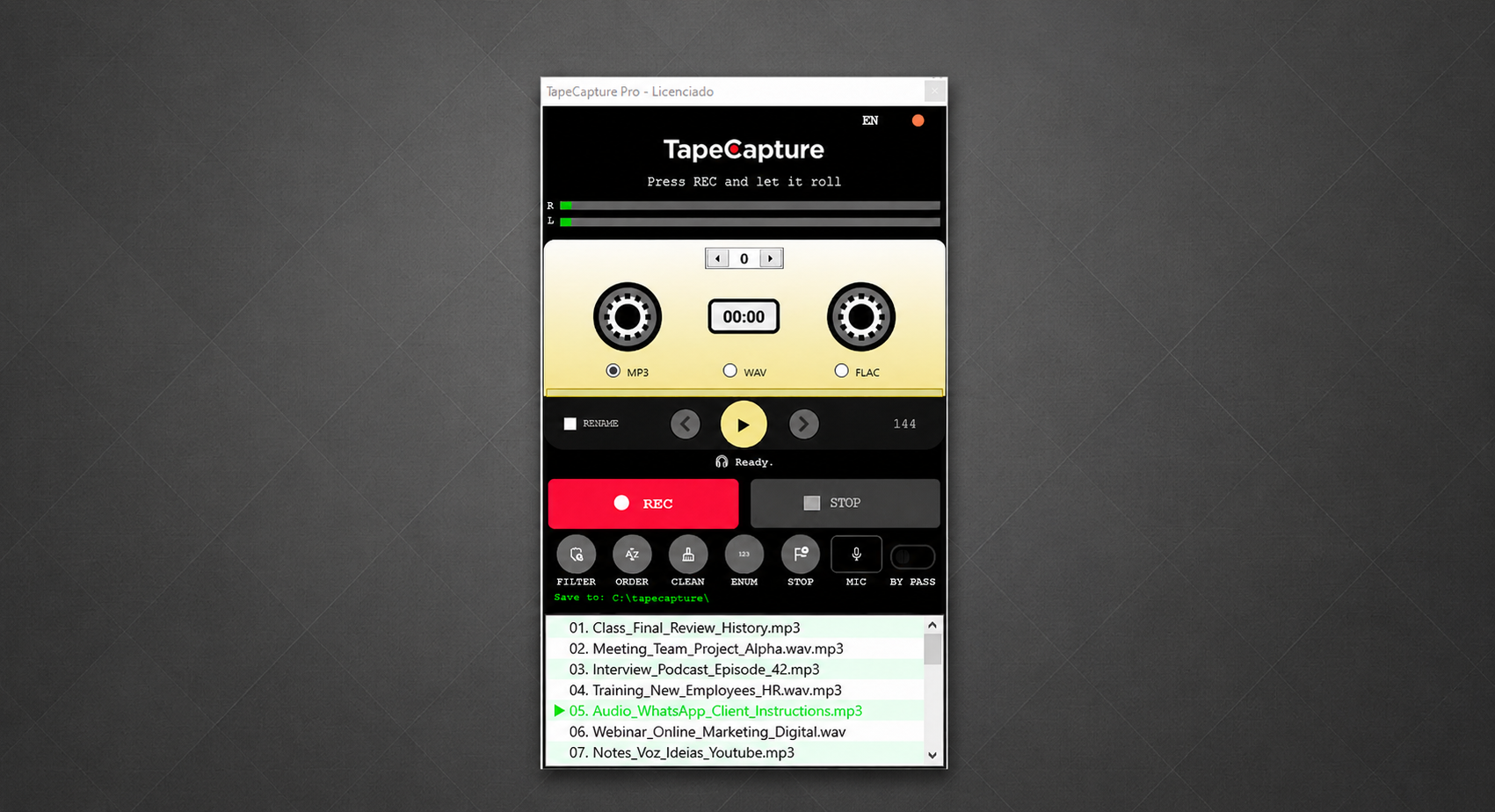
TapeCapture v2.0
Interface do Software TapeCapture

Zoom Screenshot

Windows audio recording

Productivity features
for authorized audio.

Developed for Windows users who need a focused and organized recording workflow.

Authorized PC Audio

Record authorized microphone and PC audio in a simple workflow for work, study and content organization.

MP3, WAV and FLAC

Choose the audio format that fits your authorized recordings and organization needs.

Lightweight Windows App

A focused Windows application designed to keep recording simple and responsive.

Organized Files

Keep authorized recordings organized with a clean workflow for naming and storing audio files.

Silence Detection

Identify long pauses to help organize extended authorized recordings and review material more easily.

Windows Audio Devices

Works with Windows audio devices configured for authorized playback, microphone or monitoring workflows.

Microphone and Voice

Record your own voice notes, lessons, meetings and comments with simple controls.

Responsible Use

Designed for your own, authorized or professional content with clear productivity and organization goals.

One software, multiple authorized uses

Organize study, work and content workflows with authorized recordings.

Studies & E-Learning

Record authorized classes and lectures to review at your own pace.

Work

Record authorized meetings, training sessions and professional notes.

Creators

Organize narration, interviews, voice drafts and supporting material for multimedia projects.

Accessibility

Review authorized content whenever you need it.

Responsible use

Capture only your own or authorized content.

TapeCapture is a productivity tool for recording classes, meetings, training sessions, calls, narration and material when you have the rights or authorization to do so. Use must respect copyright, platform policies and applicable laws.

Official installation

Official SoftMe installer verification

The official TapeCapture installer is provided by SoftMe. Before installing, confirm that you are using the official TapeCapture website or SoftMe link and review any Windows security notice shown on your device.

Official installer SHA-256:
a632b2a4c2c8bd56e9723cdf9da1d0597f11dc667b86b5a437bd6f0857f1c500

Official TapeCapture for Windows

Learn about TapeCapture, purchase an official license and use the official SoftMe support channel.

Official SoftMe installer. Only use the official TapeCapture website and SoftMe purchase/support channels.

Secure checkout via SoftMe and Mercado Pago.

Windows 10/11 • Official SoftMe installer • TapeCapture support

Official product information

Official TapeCapture website and SoftMe distribution

TapeCapture is a Windows audio recording software developed and distributed by SoftMe. This page provides official product information, licensing, support and installer access for TapeCapture users.

Official license

Purchase and licensing are handled through SoftMe using the official TapeCapture purchase flow.

Official support

For product support, licensing questions or installer verification, contact the official TapeCapture support channel.

Responsible recording

TapeCapture is intended for recording content you own, created yourself, or have permission to record.

User information

Privacy, terms and uninstall information

Privacy Policy

TapeCapture is a desktop software product. Purchase, licensing, support and download tracking may be processed by SoftMe to provide the software, support and license services. Contact support for privacy-related requests.

Terms of Use

Use TapeCapture only for your own content or content you are authorized to record. Users are responsible for complying with copyright rules, platform policies and local laws.

Uninstall Instructions

On Windows, open Settings, go to Apps, find TapeCapture in the installed apps list and select Uninstall. You may also contact TapeCapture support for help.